
You do not need to know how to code to launch a radio app. Appbuilder24 lets you build a radio app and publish it to the app stores without writing a single line of code.
Your listeners can tune in from any device, with a clean interface that reflects your brand, and you handle none of the underlying technical work. Appbuilder24 manages the build and deployment, so your attention stays on programming content and growing your audience.
👉🏾 Other Appbuilder24 Users also read: 17 Best On-Demand Mobile App Ideas for Startups in 2023
This guide walks through the full process of building a radio app on the Appbuilder24 App Builder, from choosing a streaming URL to submitting to the app stores and setting up a monetization strategy. It applies whether you run an existing broadcast station, a DJ brand, or are starting a streaming concept from scratch.
Here is everything you need to get your radio app live, step by step, with no coding required.
Create Your Own Radio App with Ease – No Coding Required
Building a radio app used to require a developer and a significant budget. That is no longer the case. Appbuilder24 gives you a complete set of tools to design, configure, and publish a radio app through a visual interface that requires no programming knowledge.
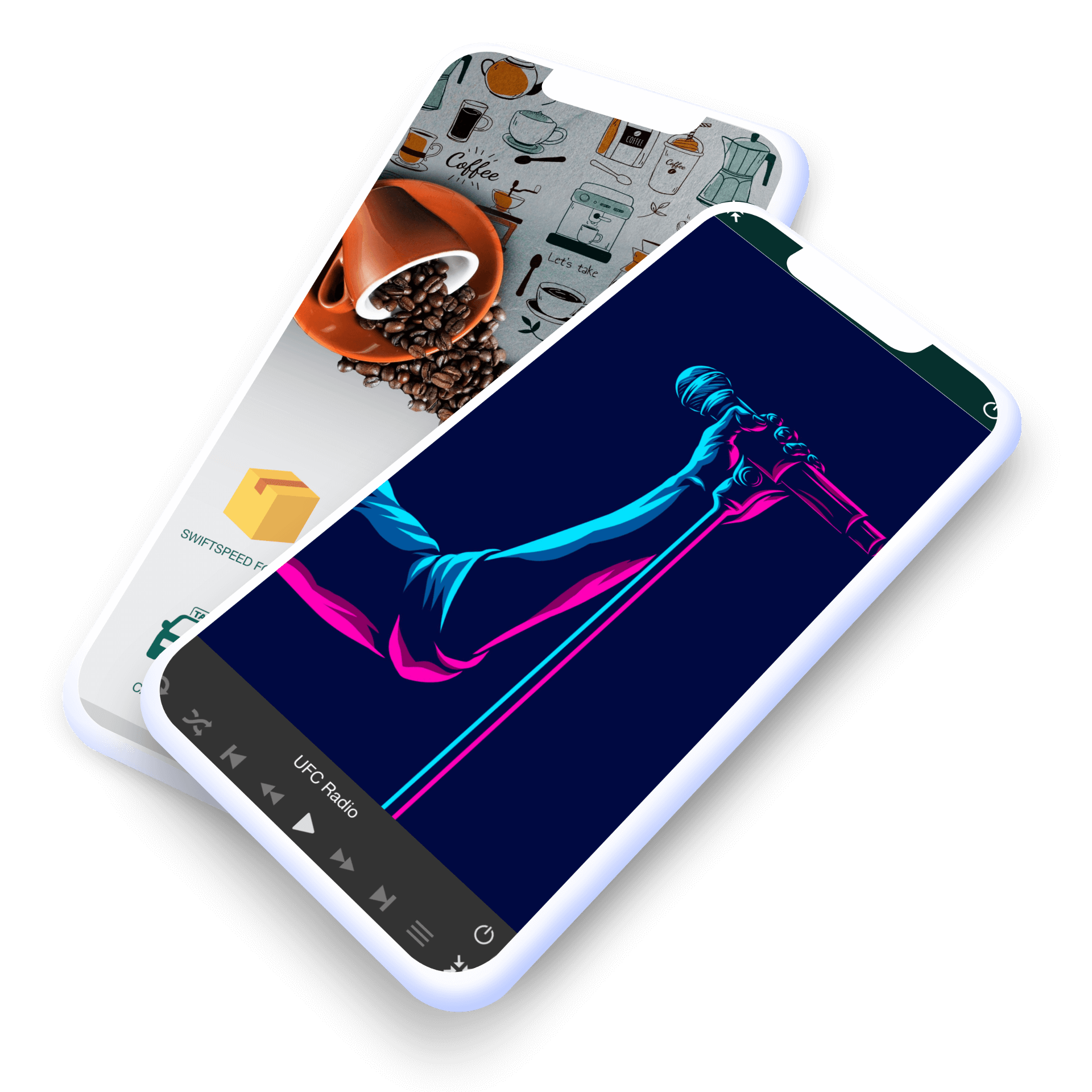
Appbuilder24 removes the two biggest barriers to radio app development: technical complexity and cost. The platform provides ready-built templates and a feature set specifically designed for audio and streaming use cases, which means your app can look and work exactly the way you want it to without any custom development work.
Traditional app development for a radio station typically takes months and involves developers, project management, and ongoing maintenance costs. Using Appbuilder24 compresses that timeline significantly. Most users have a working app ready for testing within a few hours of starting.
The platform includes documentation covering every step of the process, and the support team is available to help when questions come up during development or after your app goes live.
👉🏾 Other Appbuilder24 Users also read: A Complete Guide to Mobile App Development in 2023
Here is the step-by-step process for building your radio app:
How to Make a Radio App Without Coding
The following steps cover the complete build process using Appbuilder24. Each step is handled through the platform’s visual interface, so no programming experience is needed at any point.
1. Sign up and log in:
Create your Appbuilder24 account and log in to access the builder. The free plan gives you immediate access to all the tools you need to start building.
2. Select the radio app template:
Browse the available templates and select one suited to your radio station’s style. The template gives you a complete starting layout that you can customize rather than building from a blank canvas.
3. Customize your app:
Upload your station logo, set your color scheme, and configure the visual design to match your brand identity. Every element of the interface can be adjusted to reflect how you want your station to present itself.
4. Set up a streaming URL:
The stream URL is what connects your app to your broadcast. The quality and reliability of your stream service will directly affect the listening experience, so choose a provider with a proven track record for uptime and audio quality.
Here is what a good streaming URL looks like for our “Radio” feature:
- https://62.210.36.44:9110
- https://76.164.217.100:7410/stream
Your URL mustn’t end with “listen. pls” or “listen.m3u”, etc. This means that if your URL is https://62.210.36.44:9110/listen.pls, you need to keep https://62.210.36.44:9110.
Note that sometimes you will need to add “/;” at the end of your URL to make it work both on Android and iOS, for example, http://62.210.36.44:9110/;
5. Add features and content:
Layer additional functionality onto your core stream by adding features your listeners will actually use. Song request forms, on-demand podcast content, and news sections all give users a reason to open the app beyond just listening.
Other Appbuilder24 features worth considering alongside the Radio module:
- AUDIO FEATURE: The Appbuilder24 “Audio” feature allows you to create your own radio and music app for Android and iOS from SoundCloud, Apple Music, Media RSS, Shoutcast, iTunes, etc.
- ABOUT US: This feature helps your customers familiarise themselves with the products you offer in your app. It can be used to add more information about your company or business.
- PHOTO: The ‘Photo’ feature allows photo integration from Pinterest, Flickr, Instagram, and other social networks, making it easy for you to share amazing photos with your users in just a few clicks.
- SOCIAL NETWORK: Animate your community with a social network within your app! Users can send posts and photos, geolocate other users’ photos, and comment on their posts. You can lean back and see your user engagement growing on its own!
6. Test and preview:
Run a full test of the app before submitting to the stores. Check stream playback on both iOS and Android, verify all navigation works as expected, and use the Appbuilder24 preview tool to confirm the layout looks correct across device sizes.
7. Publish your app:
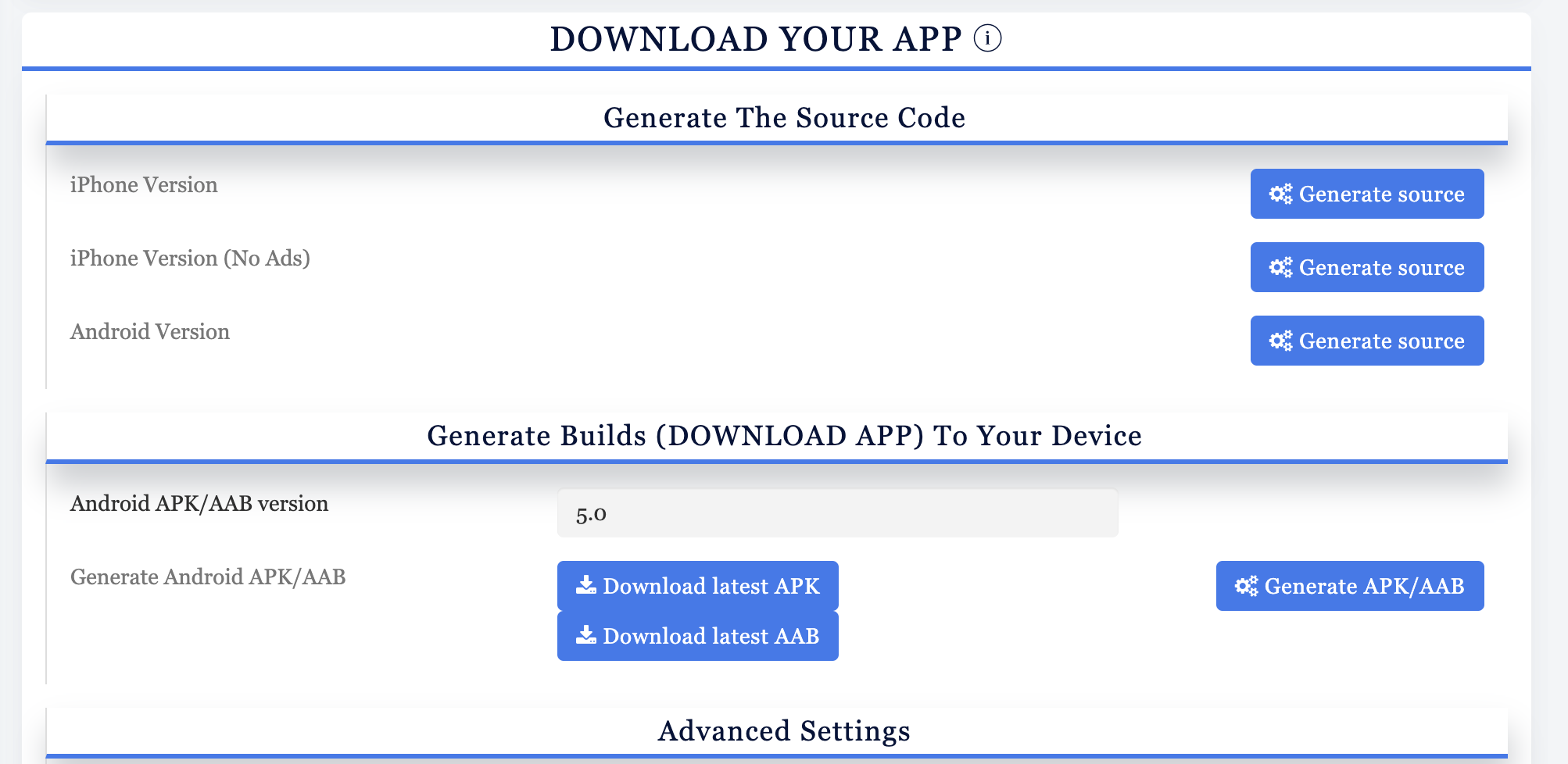
Generate your final build from the Download tab in your Appbuilder24 dashboard and submit it to the Apple App Store and Google Play Store. Follow the submission checklist provided in the platform to make sure all required metadata and assets are ready before you upload.
Building a radio app used to require a dedicated development team. With Appbuilder24, the entire process, from first setup to app store submission, can be completed by one person with no technical background. Your station can be live on iOS and Android without any of the traditional barriers.
Getting the app built is only half the equation. How you market it and how you plan to generate revenue from it determines whether it grows into a sustainable project. The next sections cover both.
Benefits of Using a DIY App Builder like Appbuilder24
Appbuilder24 is purpose-built for creators who want to ship a real app without a development background. Here is what it offers specifically for radio app projects:
1. Easy App Completion:
Every part of your radio app, including the design, the feature set, and the content configuration, is managed through a visual drag-and-drop interface. No code is written at any stage, and no prior app development experience is required.
2. App Publishing on App Stores:
Appbuilder24 generates installable builds for both the Apple App Store and Google Play. Your app goes through the standard submission process for each store, giving it a legitimate presence where listeners can discover and install it.
3. Real-Time Statistics:
The platform includes a live analytics dashboard showing active users, session data, and engagement by feature. That data helps you understand what listeners are actually using and where to focus your next set of improvements.
4. Push Notification Capabilities:
Push notifications give you a direct line to your listeners, separate from social media and email. Use them to announce new shows, live broadcasts, special guests, or exclusive content for app users.
5. Faster to Market:
Speed matters in competitive markets. Building with Appbuilder24 is dramatically faster than native development, which means you can have an app live while competitors are still scoping their projects. Being first in your local or niche market often determines which station users install and keep.
Make an app with Appbuilder24
Create premium apps without writing a single line of code, thanks to our user-friendly app builder. Build an app for your website or business with ease.
Appbuilder24 covers the full lifecycle of radio app development: design, publishing, analytics, and audience communication tools are all included. You are not stitching together separate services but working within a single platform built for exactly this use case.
Using a no-code builder like Appbuilder24 also means your ongoing maintenance is handled at the platform level. SDK updates, compatibility fixes, and store compliance changes are managed for you.
Considerations for App Development and Marketing
Technical execution is only part of what makes a radio app successful. The decisions you make before and during development, about your audience, your content, and your revenue model, matter just as much as which features you include.
1. Define Your Objectives
Start with a clear answer to: what should users be able to do in this app that they cannot do by just visiting your website? Knowing your core use case, whether it is live streaming, on-demand content, or a listener community, shapes every feature decision that follows.
2. Understand Your Target Audience
Talk to your current listeners before you start building. Find out which devices they use, what frustrates them about other apps, and what would make them choose yours over a browser bookmark. That input is more valuable than any feature checklist.
3. Leverage the Power of Mobile Apps
A dedicated app creates a direct relationship with your listeners that a website cannot replicate. Users who install your app are making an active commitment to your station. That user is worth significantly more in retention and engagement than a casual website visitor.
4. Optimize App Development with Appbuilder24
Appbuilder24 is specifically suited to radio and audio app projects because the feature set, particularly the Radio and Audio modules, is built for exactly that purpose rather than being a generic content block that you have to adapt. The result is a more polished, purpose-built listening experience.
5. Choose the Right Monetization Strategy
Your app can generate revenue through multiple channels: in-app advertising via Google AdMob, premium content behind a paywall, or listener subscriptions. Appbuilder24 supports these monetization options natively, so you can configure them without third-party integrations.
6. Explore App Marketing Strategies
Promotion is ongoing work. Use your existing broadcast audience to drive app installs by promoting it on-air and across your social channels. Appbuilder24 includes tools to help you manage app store ratings and reviews, which directly affects how the app appears in store search results.
👉🏾 Other Appbuilder24 Users also read: The Ultimate Guide to iPhone Screen Resolutions and Sizes in 2024
Alternative to BuildFire
Appbuilder24 offers a more streamlined experience than many competing platforms, particularly for creators focused on audio content. The interface is built to minimize the number of steps between your idea and a published app, which matters when you are running a station and do not have hours to spend on technical configuration.
Defining your audience, your content strategy, and your revenue model before you start building will make every development decision easier. Appbuilder24 handles the technical execution. What makes your app succeed is the quality of what you broadcast and how well you connect with your listeners.
Conclusion
Building a radio app is no longer a project that requires a developer, a budget, or months of planning. Appbuilder24 handles the technical layer so you can focus on what actually matters: your content and your listeners.
The platform gives you the tools that previously only well-funded stations could access: a polished native app, direct push communication with your audience, and live usage data that tells you exactly what your listeners are engaging with.
The Appbuilder24 knowledge base and support team are available throughout the build process. Once your app is ready, you publish it to the stores of your choice and your station becomes available to listeners worldwide.
If you are ready to give your station a native app presence, start with Appbuilder24 today. The first build is free, and the entire process from setup to submission is designed to be completed without any technical background.

Great tutorial on creating a radio app!