Mobile shopping has moved from a growing trend to the default behavior for most online shoppers. Businesses running on ecommerce platforms that have not yet invested in a dedicated mobile app are operating with a structural disadvantage compared to competitors who have.
A responsive website handles mobile traffic, but it cannot replicate what a native app delivers: persistent access, push notifications, faster load times, and native device integration. These are not incremental improvements. They represent a fundamentally different level of engagement with your customers.
This article covers the specific benefits a mobile app delivers for ecommerce businesses, what features matter most, how to choose the right platform, and how to approach building and launching it successfully.
👉🏾 Other Appbuilder24 Users also read: Complete list of top mobile app stores in 2024
Benefits of an Ecommerce Mobile App
A dedicated ecommerce app changes the relationship between your store and your customers in specific, measurable ways. Here are the advantages that matter most:
Reach Customers Anywhere, Anytime
Your app is on your customer’s device at all times. When they are on the train, in a waiting room, or browsing during a break, your store is one tap away. That kind of always-on accessibility is not something a website, no matter how well it performs on mobile browsers, can fully replicate.
Unlike a website, your app can initiate contact with a push notification. A sale, a restock alert, or an abandoned cart reminder reaches the customer directly without requiring them to check email or visit your site. The app also caches content so users can browse even when their connection is unreliable.
Provide Better User Experience
A native app is designed from the ground up for the device it runs on. Touch gestures, screen dimensions, and loading behavior are all handled natively rather than approximated through a browser. The result is a faster, smoother experience that feels intentional rather than adapted.
Camera access lets customers scan barcodes or try products visually. GPS enables local delivery options and location-relevant promotions. Personalization based on browsing and purchase history surfaces the products each user is most likely to buy. Each of these features is native to app development and either unavailable or technically limited in a mobile browser.
Increase Engagement and Sales
The behavioral differences between app users and browser users are measurable and consistent across the industry. App users visit more frequently, spend more time browsing, and convert at higher rates. The shopping cart abandonment rate for app sessions is lower than for mobile web sessions because the checkout flow is purpose-built for the device.
Push notifications bring customers back at the moment you choose, not when they happen to remember your store exists. Loyalty programs run inside the app reward repeat purchases and build habits around your brand. Referral mechanisms built into the app create a word-of-mouth growth channel that costs you nothing per referral until a conversion happens.
Every stage of the shopping journey improves with a well-built app. Discovery happens through push and in-app messaging. Consideration is faster when product information, reviews, and comparison tools load instantly. Conversion is smoother with saved payment methods and one-tap checkout. Read more about getting customers to install your app and start that journey.
Key Features of an Ecommerce Mobile App
The features in your ecommerce app determine whether customers keep it installed or delete it after the first session. Focus on the functions that match how your customers actually shop.
Here are the capabilities that matter most in a functional ecommerce app:
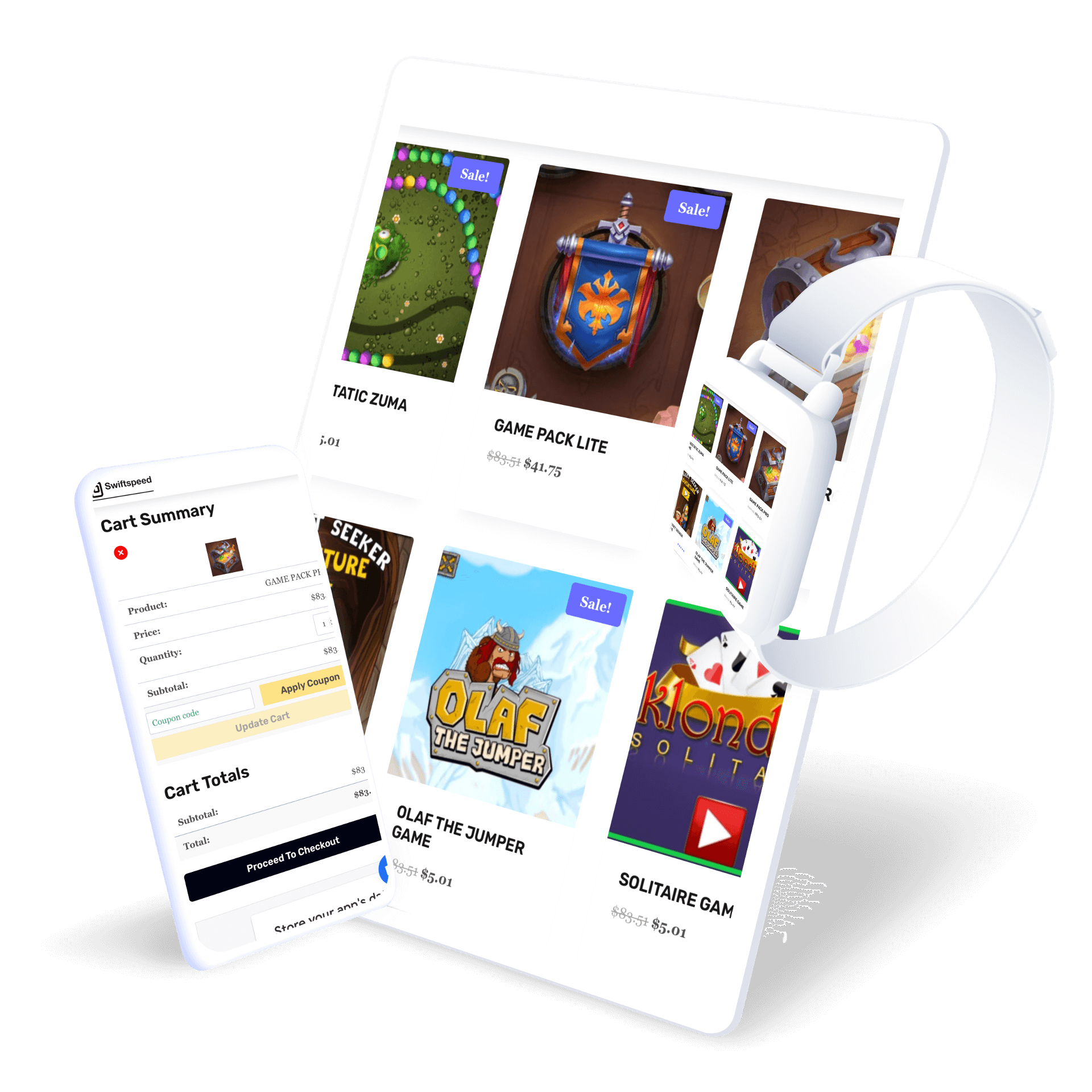
- Browsing products: Allow customers to easily search and filter products, view images and descriptions, read reviews, compare options, and add items to a shopping cart. Optimizing the browsing experience for mobile is crucial.
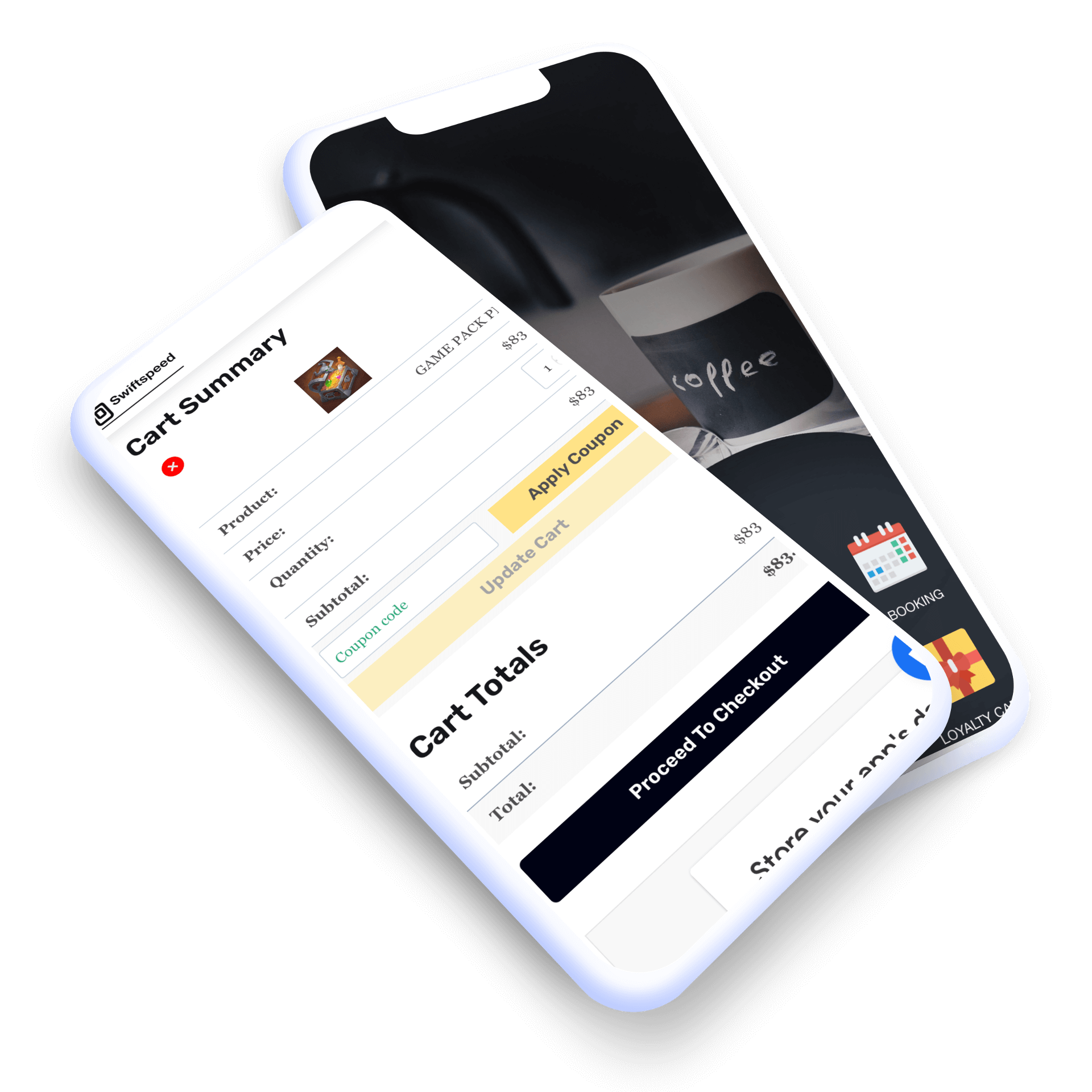
- Checking out: The checkout process needs to be optimized for mobile, with easy ways to enter payment details and apply promo codes. Allow guest checkouts and offer multiple payment options like credit cards, PayPal, Apple Pay, etc.
- Account management: Customers should be able to easily create an account, view order history, manage shipping addresses, save payment methods, view loyalty points, and track orders.
- Push notifications: Push notifications can alert customers about sales, new product arrivals, shipping updates, and other timely messages that provide value. Allow customers to opt into the notifications they want to receive.
- Loyalty programs: Offer loyalty programs and rewards that customers can view and redeem right from the app. Integrate a points system, tiers, special offers, and incentives.
The features above define the baseline for a functional ecommerce app. Get these right before adding complexity. A fast, clean browsing and checkout experience will retain more users than a feature-heavy app that feels slow or confusing.
Expected Integrations in an eCommerce App
An ecommerce app that operates in isolation from your other business systems creates manual work and data gaps. The integrations below connect the app to the infrastructure your business already runs on:
Payment Gateways
Payment processing through Stripe, PayPal, or another established gateway lets customers pay directly within the app without being redirected to a browser. Choose a provider with a mobile SDK so you can customize the checkout flow to match your app’s design and reduce drop-off at the payment step.
Shipping Carriers
Connecting to carrier APIs from USPS, UPS, FedEx, or regional providers surfaces live shipping rates during checkout. Customers can compare options and select what works for them rather than being presented with a single flat rate. Backend label generation reduces manual fulfillment work when orders come in.
CRM Platforms
Connecting your CRM gives you a unified view of each customer across every channel, not just what they do inside the app. Purchase history, support interactions, and email engagement all become part of one profile that informs how you target and communicate with each user.
Marketing Automation
Marketing automation integration enables behavior-triggered messaging: cart abandonment sequences, post-purchase follow-ups, and win-back campaigns for inactive users. Appbuilder24 supports these integrations natively, whether you want to convert your existing WooCommerce store to a native app or build a custom ecommerce app from scratch.
Integrations are most valuable when they eliminate duplicate data entry and give your team a complete picture of customer activity across all channels. Prioritize the ones that connect your app to systems your team already relies on daily.
Choosing the Right Platform to Build an eCommerce app
The platform choice determines how your app is built, what it can do, and how much it costs to develop and maintain. Three approaches are available:
Native Apps
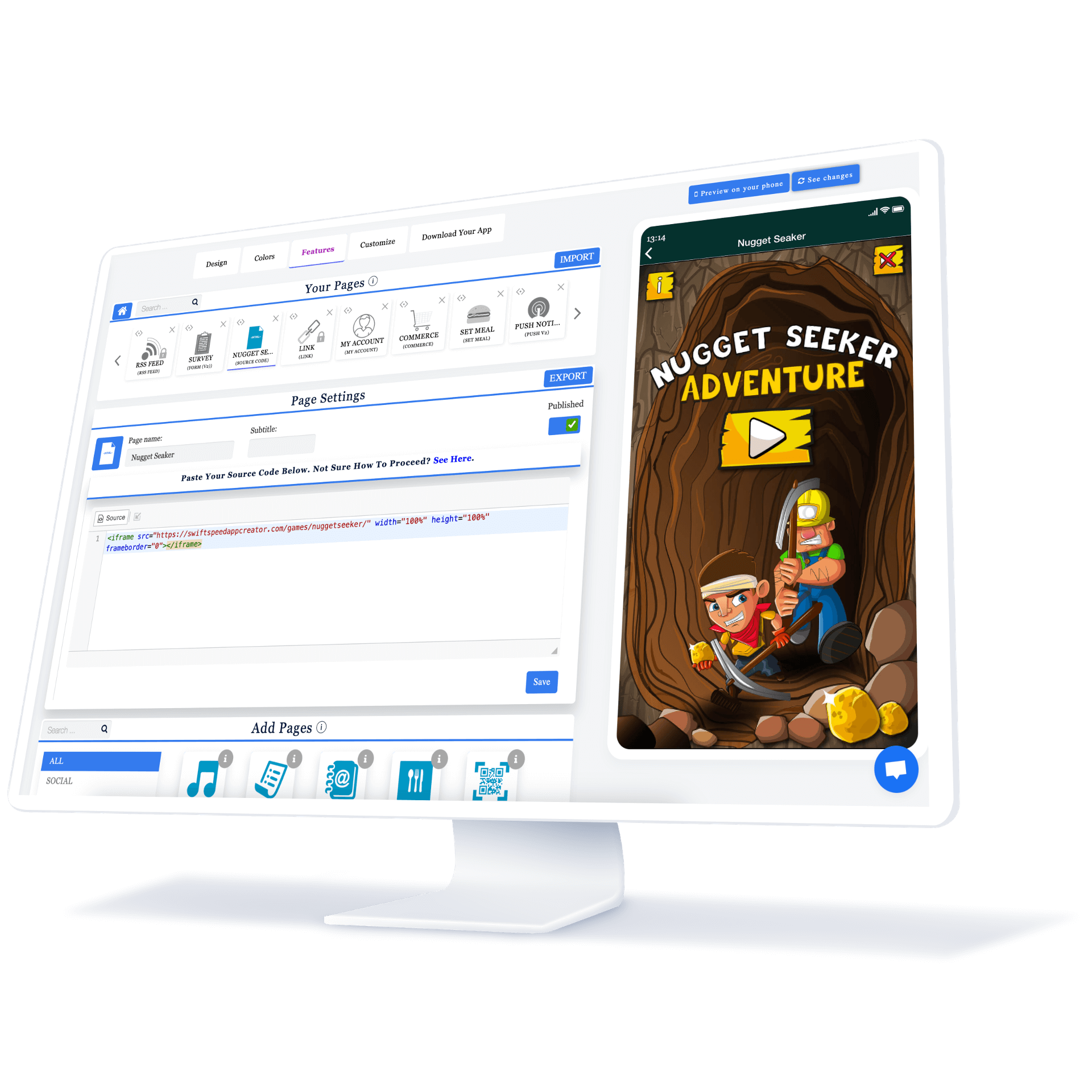
Native apps are built specifically for one operating system using that platform’s development tools. An Android app and an iOS app are built and maintained separately. This delivers the best performance and deepest platform integration but requires maintaining two codebases. No-code tools like Appbuilder24 let you build for both platforms simultaneously without writing any code.
Hybrid Apps
Hybrid apps wrap web content, built with HTML, CSS, and JavaScript, inside a native shell. This approach allows teams with web development skills to build for mobile without learning platform-specific languages. Performance is acceptable for most use cases but typically falls short of a fully native app in speed-sensitive interactions like product browsing and checkout.
Cross-Platform Apps
Cross-platform frameworks like React Native and Flutter produce apps that run on both iOS and Android from a shared codebase. This reduces development and maintenance costs compared to building two native apps. Performance has improved significantly in recent versions of both frameworks, making them a practical choice for most ecommerce use cases.
For most ecommerce businesses that are not operating at enterprise scale, a no-code builder or cross-platform framework offers the best balance of time to market, cost, and user experience quality. Custom native development makes more sense when your feature requirements are highly specialized or your traffic volume demands absolute performance optimization.
Design Considerations When Building An Ecommerce App
Design choices in an ecommerce app directly affect whether users complete purchases or abandon them. The following principles apply specifically to mobile shopping contexts:
Simplicity and Ease of Use
Mobile screens are small and users interact with them using their thumbs. Every screen in your app should show only what is needed for the user’s current task. Touch targets should be large enough to tap accurately without zooming in. Keep the checkout process to the minimum steps required. Accessibility should be built in from the start, not added later.
Brand Consistency
A customer who moves from your website to your app, or from a push notification to a product page, should feel they are in the same brand experience throughout. Inconsistent fonts, colors, or tone create friction and erode trust. Keep visual language and copy style aligned across all touchpoints.
Visuals Optimized for Mobile
Product images that look sharp on desktop often load slowly and appear blurry on mobile when not properly optimized. Resize and compress images for the specific screen sizes your app targets, and test load times on mobile data connections rather than just on Wi-Fi. Use icons to communicate actions and categories quickly without relying entirely on text.
Development Process of an e-commerce app
Understanding the development process helps you plan timelines, assemble the right team, and set realistic expectations for what the app will take to build and launch.
Wireframing and Prototyping
Start with low-fidelity wireframes that map out every screen and how users move between them. This is where you resolve navigation logic and feature placement before any visual design work happens. Clickable prototypes take the wireframes further, letting you test user flows with real people and identify confusing paths before they are built.
Choosing a Tech Stack
The technology choices you make early in development affect performance, cost, and how easily you can update the app later. Cross-platform options like React Native allow shared JavaScript across iOS and Android. On the backend, headless ecommerce platforms give you the flexibility to connect your existing product catalog and order management to any frontend, including your app.
Iterative Approach with Testing
Build and test in short cycles rather than developing the full app before any user sees it. Each build cycle should end with real users testing core flows. Usability testing surfaces friction you would not notice yourself because you know the app too well. Performance testing on actual devices, not just simulators, catches issues that only appear under real-world conditions.
Development moves faster when product, design, and engineering teams communicate continuously rather than working in sequential handoffs. Define the scope of each cycle before it starts and keep the backlog ordered by what delivers the most value to users.
Launch and Marketing an Ecommerce Mobile App
The launch process and marketing plan for a new ecommerce app are as important as the app itself. A technically strong app that no one downloads does not generate any of the business benefits described above.
Beta Testing
- Conduct beta testing with a small group of loyal customers/users to identify bugs and get feedback before the official launch. Fix critical issues reported during beta testing.
- Beta test on both iOS and Android to ensure the app functions properly on different platforms. Distribute beta access codes to control the testing group.
- Define clear beta testing goals, such as evaluating ease of use, navigation, feature adoption, etc. Gather feedback through in-app surveys, social media, reviews, etc.
App Store Optimization
- Research keywords and write an optimized app title and description to rank well in the app store. Include relevant keywords, but write for humans, too.
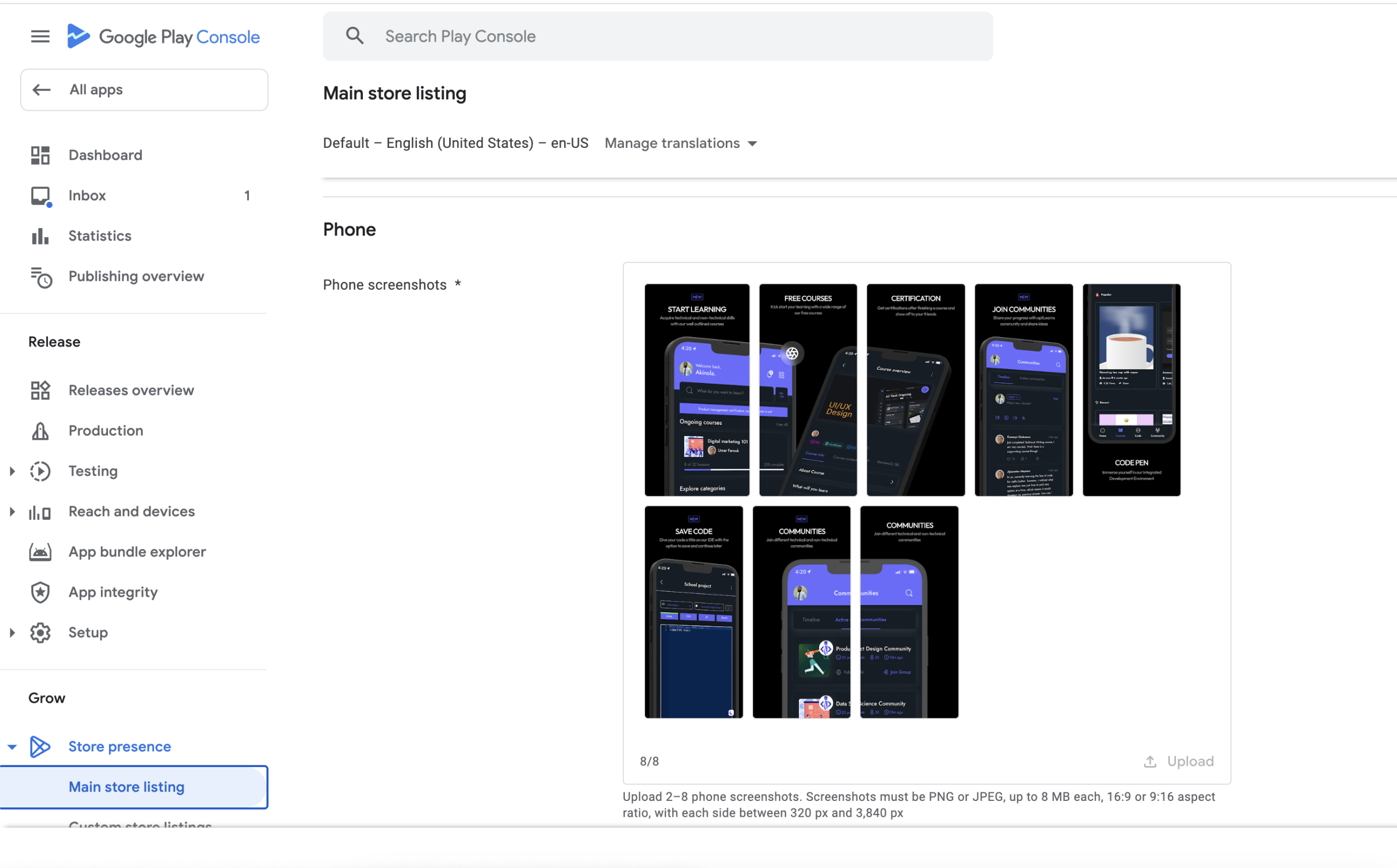
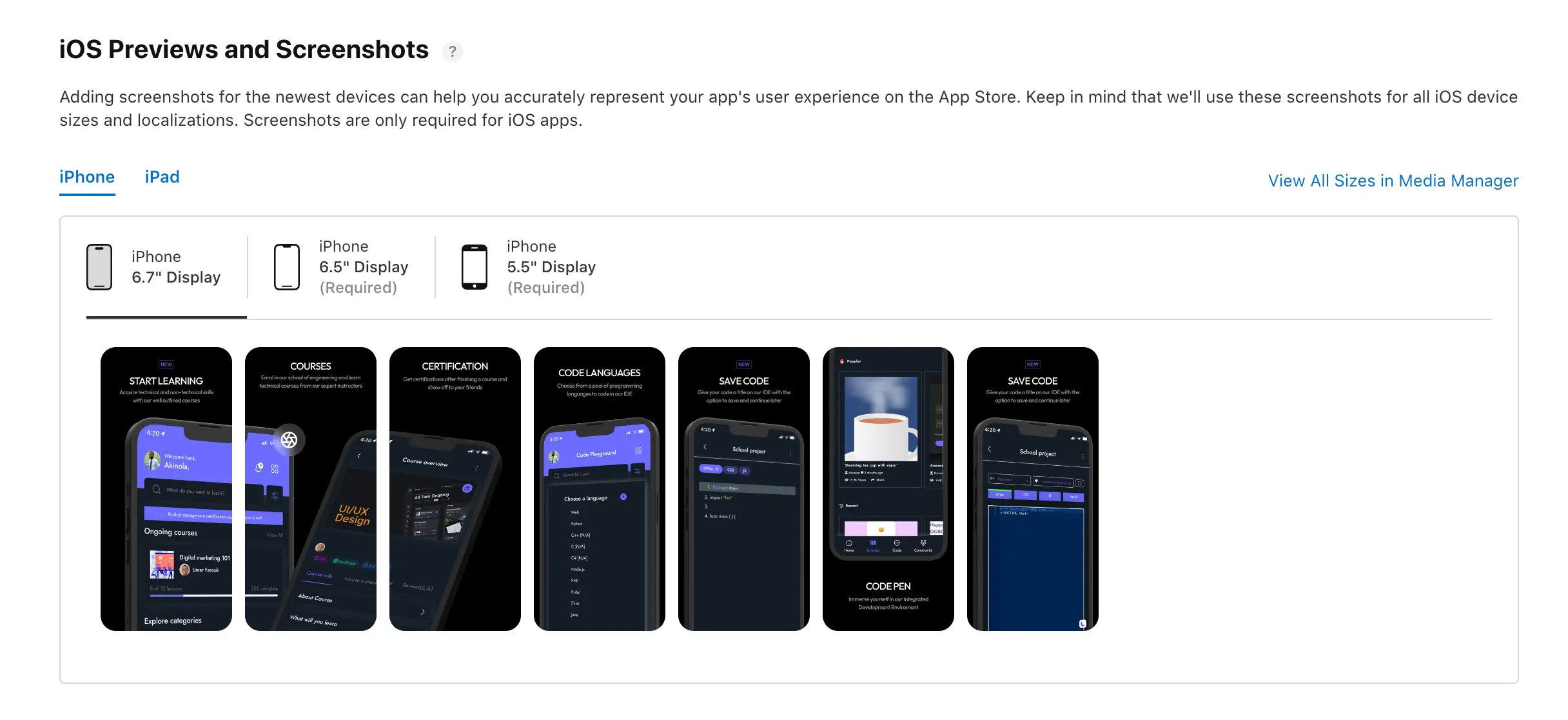
- Craft a compelling app icon that stands out. Create eye-catching screenshots and videos that showcase the app’s key features and value proposition.
- Encourage reviews during the beta period and at launch. Reviews help with app store ranking factors.
Promoting the App
- Develop a marketing plan to build awareness. Use social media, email, PR, influencers, ads, cross-promotion, etc. to announce the launch.
- Pitch the app launch to relevant media outlets and bloggers. Secure reviews and press mentions to gain broader exposure.
- Run targeted ads to get the app in front of your ideal audience. Focus ad spending around the launch period.
- Leverage existing channels like email lists, social media, and website visitors to promote the app to current users/customers. Offer incentives.
- Plan ongoing app updates, features, and marketing initiatives to keep users engaged long-term.
Gathering Ecommerce App Analytics and Optimization
The work does not stop at launch. Analytics tell you how customers are actually using the app versus how you expected them to. Use that data to drive continuous improvement rather than treating the launch as the endpoint.
Key Metrics to Track
You’ll want to closely monitor metrics like:
- Sales and Revenue
- Conversion rate
- Average order value
- Cart abandonment rate
- Pages/screens per session
- Bounce rate
- Retention and churn
Track these metrics from day one so you have baseline data to compare against as you make changes and improvements.
A/B Testing
A/B tests allow you to try out different versions of key pages and flows to see which perform better. For example, you could test:
- Different homepage layouts
- Checkout flow variations
- Promo banners and ads
- Email/push notification copy
- Pricing page changes
Run one experiment at a time with a large enough user sample to produce statistically meaningful results. Apply changes from winning variants and move on to the next experiment.
Regular App Updates
Users expect apps to improve after install. Regular updates signal that the product is actively maintained and that customer feedback is being acted on.
A two to four week release cadence gives you enough time to build and test meaningful changes without going so long between updates that users feel the app is abandoned. Prioritize bug fixes and performance improvements first. New features come second.
👉🏾 Other Appbuilder24 Users also read: How do Free Apps Make Money in 2024? strategies Exposed
Make an app with Appbuilder24
Create premium apps without writing a single line of code, thanks to our user-friendly app builder. Build an app for your website or business with ease.
Finally
The ecommerce landscape continues to shift toward mobile-first behavior. Businesses that build a quality native app now gain compounding advantages as their user base grows, their store ratings improve, and their push notification audience expands.
The key points covered in this article include:
- Mobile apps offer convenience, utility, and a superior user experience compared to mobile websites. Apps keep users within an app vs. browsing across sites.
- Mobile apps allow access to features like push notifications, camera integration, location services, and contact lists that can be used to enhance the shopping experience.
- Mobile apps can provide detailed analytics on user behaviors to gain customer insights. This data can be used to optimize the app and marketing efforts.
- When designing a mobile app, focus on an intuitive interface, seamless checkout, and strong branding. Leverage available software and developer expertise to create an app tailored to your business needs.
- A strategic launch and marketing campaign is critical to drive app downloads and engagement from your target audience. AS0 and A/B testing can further refine the app post-launch.
If your ecommerce business does not yet have a mobile app, the practical starting point is to map out what your most frequent customers would want to do in an app that your website does not already do well. That answer shapes everything from platform choice to feature priorities. Appbuilder24 can help you get from that starting point to a live app in the App Store and Google Play without the cost and timeline of custom development.